
SaaS Consolidation for Small Business: A Practical Playbook

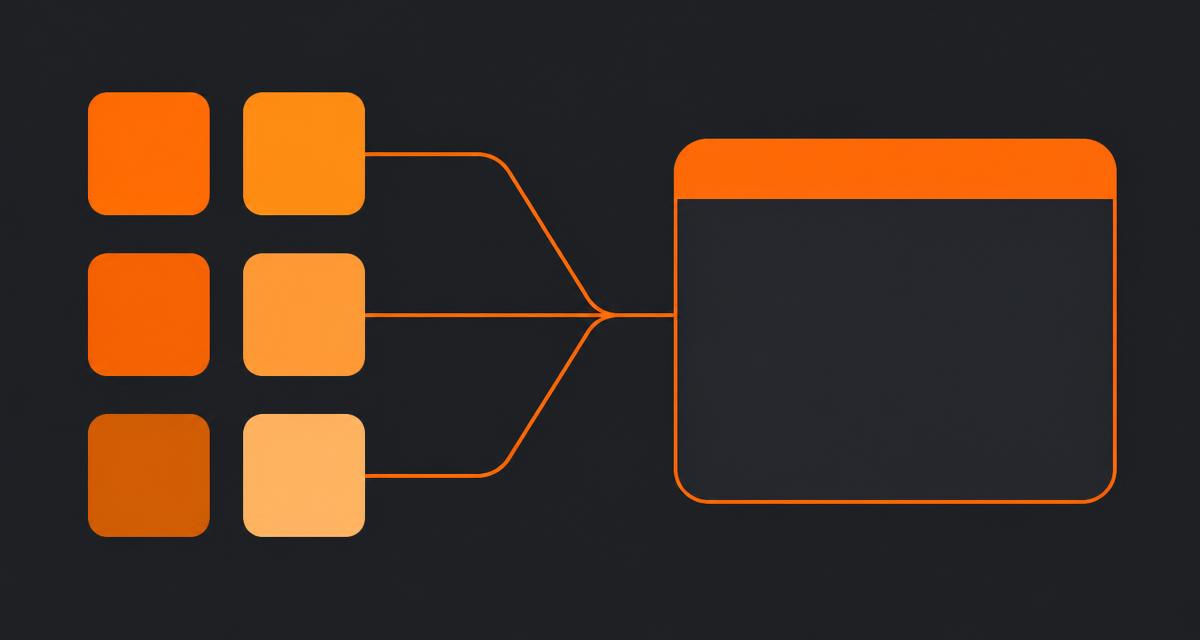
Every SaaS consolidation project I've run for a small business starts the same way: someone finally adds up the invoices and is shocked by the total. That shock is useful, but it's the wrong starting point. SaaS consolidation for small business succeeds or fails on the audit that happens before anyone touches a migration button, and this playbook is the sequence I use with clients, in order.
Quick answer
SaaS consolidation for small business works best as a five-step process: audit real usage and automations, decide what to cut versus keep, migrate clients and deals first, then projects and tasks, then documents, and finally rebuild only the automations that fired recently. Done right it takes two to three weeks for a team of 10-15.
Step 1: Audit before you migrate anything
Pull actual login data for every tool, not the seat count on the invoice. In most audits I run, at least one "12-seat" tool has three real weekly users. That's your first cut candidate, before you've even thought about where the data goes.
Alongside usage, build an automation inventory: every Zap, Make scenario, native workflow rule and inbox filter that touches client or project data. Write down what triggers each one and what it changes. This step gets skipped more than any other, and it's the step that causes real damage — a missed automation is how invoices stop generating or a client stops getting a status email they were relying on.
The audit checklist
- Tool list with last-30-days active user counts.
- Automation inventory: trigger, action, and how many times it fired in the last 90 days.
- Record volume: companies, contacts, open deals, active projects, open tasks, documents touched in the last year.
- Permission requirements written as plain sentences ("contractors only see their assigned project").
- The one report leadership checks weekly — usually pipeline by stage or team utilisation.
- Any compliance or contractual requirement about where data is stored.
Step 2: Decide what to cut, keep, or fold in
Not everything belongs in a single workspace. My rule of thumb, refined across 30+ CRM implementations: fold in anything that's client-facing and duplicated across tools — CRM, projects, tasks, documents, client-facing status. Keep specialist tools separate where the depth genuinely matters — accounting, high-volume outbound sales sequencing, or engineering sprint tracking. Tools to run a small B2B business has the full category breakdown if you're building this decision from scratch rather than untangling an existing stack.
| Signal | Action |
|---|---|
| Under 3 active weekly users | Cut, don't migrate |
| Duplicates a function your main workspace covers | Fold in |
| Deep specialist function (accounting, outbound sequencing, sprints) | Keep separate |
| No owner, nobody can explain why you pay for it | Cut immediately |
Step 3: Migrate in the right order
Clients and deals move first, because every other record type references them. Skip closed-lost deals older than 18 months — nobody has ever asked me to bring those across. Then active projects and open tasks; leave completed work in a cold archive export rather than importing it. Documents come last, and only what's been touched in the last 12 months, filed against the matching client record from day one. How to organize company documents has the filing and naming pattern that makes this step fast rather than a folder-structure debate.
Step 4: Rebuild only the automations that are actually alive
From your Step 1 inventory, rebuild only what fired in the last 90 days. Everything else gets deleted, not archived — a disabled automation nobody remembers is exactly the trap that caused the original sprawl. NIST's guidance on system decommissioning is written for larger IT estates, but the underlying discipline (document, verify, then retire) scales down cleanly to a five-tool SaaS stack.
Step 5: Cut over, don't run parallel
Announce a freeze date for the old tools — read-only after that point, no new records. Running both systems in parallel for a month feels cautious but backfires: nobody fully trusts either system, so people quietly keep using the old one out of habit, and the new one never gets the real-world testing it needs. Commit to the freeze date and hold it.
What a realistic timeline looks like
- Days 1-3: audit and freeze old tools to read-only.
- Days 4-6: migrate clients and deals, reconcile duplicates.
- Days 7-10: migrate active projects and open tasks, rebuild templates.
- Days 11-13: file recent documents against client records.
- Days 14-16: rebuild live automations, set up permissions, invite two friendly clients to any portal.
- Day 17+: cancel old subscriptions. A tool nobody cancelled is a tool somebody will keep renewing.
What this buys you beyond the invoice savings
The licence savings from consolidation are real but usually smaller than the labour saved from not re-entering the same client data across tools. A Harvard Business Review analysis of operational efficiency consistently finds that reducing handoffs between systems, not just reducing headcount, is where meaningful productivity gains come from in service businesses — that matches what I see auditing small B2B teams directly.
The other benefit is data quality. One client record shared by pipeline, projects, tasks and documents means a rename, an ownership change, or an address update happens once. In CRM with document storage and CRM with task management I go deeper into what sharing one database actually changes day to day, beyond the audit and migration mechanics covered here.
When to call this project done
Consolidation is finished when you can answer three questions without opening a spreadsheet: which clients are at risk this month, what's the status of every active project, and which document was the client last shown. If any of those still needs a manual cross-check across tools, you haven't finished consolidating — you've just moved the sprawl into fewer subscriptions. Replacing multiple SaaS tools with one walks through a real team that hit all three answers cleanly, with the cost numbers to match.
Frequently asked questions
- Where should SaaS consolidation for small business start?
- With an inventory, not a migration. List every tool with actual weekly logins, every automation that touches client data, and the one report leadership relies on. Consolidation projects that skip this step usually rediscover a forgotten Zap the hard way, mid-migration.
- How do I decide which tools to cut versus keep?
- Cut anything with under three active weekly users, or anything duplicating a function your main workspace already covers. Keep specialist tools where the function is your competitive edge — accounting, deep sales sequencing, or engineering sprint tracking are common examples worth keeping separate.
- What's the safe order to migrate data in?
- Clients and deals first, because every other record references them. Then active projects and open tasks. Documents and files come last, and only the ones touched in the past year. Reversing this order tends to produce orphaned records nobody can trace back to a client.
- How long does a typical small business SaaS consolidation take?
- Two to three weeks elapsed and 15-30 hours of hands-on work for a team of 10-15 with a few years of history. Most of the time is spent deciding what not to migrate, not on the technical import itself.
- What's the biggest mistake teams make during consolidation?
- Running the old and new systems in parallel for weeks 'just in case.' It feels safer but guarantees neither system gets trusted with real data. Freeze the old tools to read-only on a set date and commit to the new one.
About the author
Sarah Lawson writes for EvronStudio on all-in-one / crm for small B2B teams. Meet the editorial team.
Part of our guide to All-in-One CRM and Project Management: One Login for Everything.
Keep reading
The Complete Tool Stack to Run a Small B2B Business
The exact tools to run a small B2B business in 2026: CRM, delivery, finance, comms and the two you can safely skip. Costs and honest trade-offs included.
All-in-One / CRMHow We Replaced 6 SaaS Tools With One (Cost Breakdown)
A real cost and time breakdown from a 12-person agency that used one workspace to replace multiple SaaS tools with one, cutting spend and reconciliation hours.
All-in-One / CRMCRM With a Client Portal: Let Clients See What Matters
How a CRM with a client portal works, what it should include, and how to roll it out without exposing internal notes. A practical guide for small B2B teams.