
To-Do List vs Task Manager: When a List Stops Being Enough

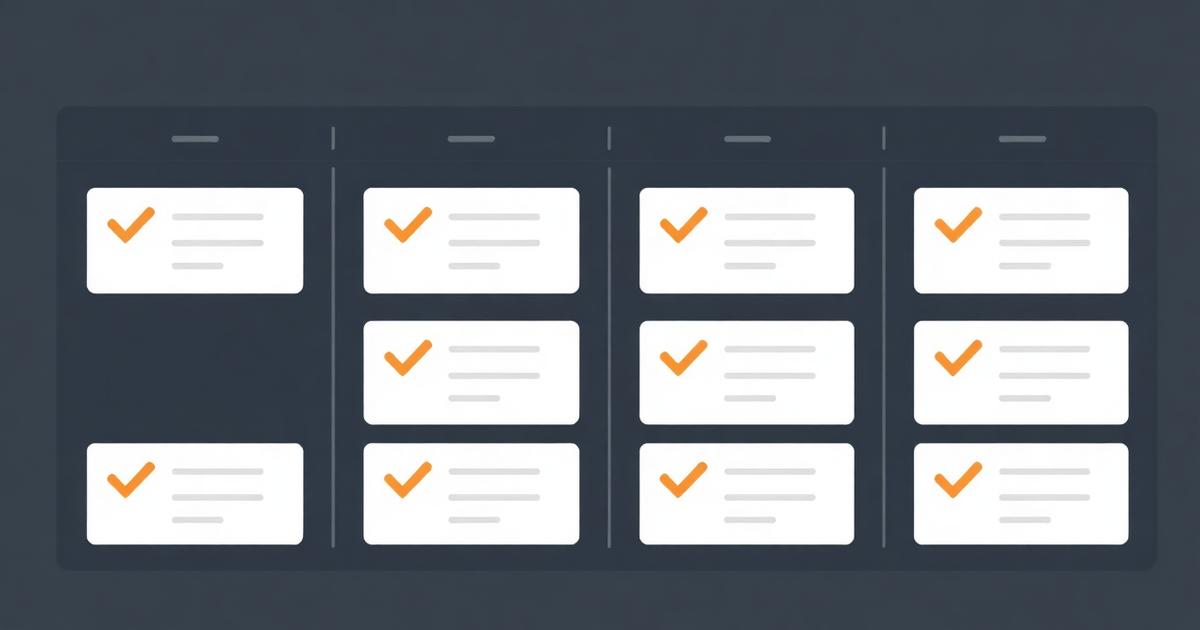
Someone asks me almost every month whether they need "real" task management software or if a to-do list app is enough. The honest answer is a question back: are you tracking your own work, or coordinating other people's? A to-do list vs task manager decision comes down almost entirely to that one distinction, not feature lists.
Quick answer
A to-do list tracks personal items to complete, usually for one person with minimal structure. A task manager adds shared visibility, assignment to specific people, due-date accountability others can see, and often dependencies between tasks — features needed once you're coordinating work across more than one person.
What a to-do list is actually good at
A to-do list is optimized for one thing: fast personal capture and completion tracking. Apps like Todoist, Apple Reminders, or a plain notebook excel here because there's no overhead — no assignee field to fill in, no status column to update, just "add item, check it off." For a solo operator or someone managing only their own work, this speed advantage is real and shouldn't be traded away for team features they don't need.
Where it stops being enough
Three specific moments mark the transition point, and I've watched all three happen at client teams repeatedly:
- You start asking people status verbally because the list doesn't show it. "Hey, did you finish the onboarding doc?" is a symptom that whatever list exists isn't visible or trusted by the person asking.
- Tasks depend on each other across people. Task B genuinely cannot start until task A is done, and that dependency isn't represented anywhere except someone's memory.
- More than two or three people need to see the same body of work. A shared list starts breaking down as a coordination tool once ownership and status aren't structurally clear per item.
If none of these apply, resist the pull toward a heavier tool — added structure without a real coordination need just adds friction. I've seen solo founders adopt full project management platforms for personal task tracking and end up doing less work because they spend time configuring fields nobody needs.
Feature comparison
| Capability | To-do list | Task manager |
|---|---|---|
| Personal item capture | Fast, minimal friction | Usually slower, more fields |
| Assign to another person | Rare or bolted on | Core feature |
| Shared status visibility | Limited or none | Core feature |
| Task dependencies | Not supported | Common feature |
| Reporting across people/projects | Not supported | Common feature |
| Due-date accountability others can see | Weak | Strong |
The messy middle: shared to-do lists
Some to-do apps, Todoist among them, support shared projects where multiple people can see and check off items on the same list. This genuinely works for small teams with light collaboration — a two-person team splitting household-style admin tasks, for example. It tends to break down once you need per-item status beyond "done/not done," like "in progress, blocked, waiting on client." That's the moment a real task manager with status columns, not just checkboxes, earns its keep. For structuring that transition, what is a kanban board and how to use it is a good next read.
Task manager vs project management: a related but different line
Don't confuse this decision with the separate question of task manager vs full project management software, which adds portfolio-level planning, budgets, and timelines on top of task tracking. That's a bigger jump, covered in project management vs task management — most teams should cross the to-do-list-to-task-manager line well before they need full project management.
Making the switch without losing momentum
Migrating from a personal to-do list to shared task management fails most often when a team tries to import years of personal-list clutter into the new tool. Start clean: bring over only active, currently relevant items, and let the old list's history stay archived rather than migrated. This mirrors advice I give in team task tracker with deadlines — a fresh, trustworthy list beats a comprehensive but cluttered one every time.
Where EvronStudio fits
EvronStudio is built for the task-manager side of this line, specifically for small B2B teams where tasks connect to clients and projects. It's not designed to compete with a fast personal capture app like Todoist for solo use — if you just need your own quick list, a dedicated to-do app remains the better, lighter tool. Where EvronStudio earns its place is the moment task 2 above happens: you need shared status, assignment, and ideally that status tied to which client or project it belongs to. See task management software for small teams for the fuller picture, and all-in-one CRM and project management for how this connects to client records.
NIST's guidance on workflow and process documentation notes that unclear task ownership is a recurring root cause in process breakdowns across organizations of all sizes — which is really just a formal way of saying what shows up constantly in practice: the moment ownership needs to be visible to more than one person, an informal list stops being sufficient, and that's the real line between a to-do list and a task manager.
Frequently asked questions
- What's the core difference between a to-do list and a task manager?
- A to-do list tracks individual items to complete, usually for one person. A task manager adds assignment, due dates, status tracking, dependencies, and shared visibility across a team, turning a personal list into a coordination tool for multiple people.
- When should I upgrade from a to-do list app to a task manager?
- When you're regularly asking a colleague 'did you finish that' instead of checking a shared status, or when tasks depend on each other across people, a to-do list has stopped being enough. Those are the two clearest signals it's time to move to shared task management.
- Can a to-do list app work for a small team?
- For a two- or three-person team with very light collaboration, some to-do apps that support shared lists (like Todoist's shared projects) can work for a while. It breaks down once you need due-date accountability visible to more than the assignee, or status reporting across projects.
- Is a task manager overkill for personal productivity?
- Often yes. Personal task management rarely needs assignee fields, dependencies, or team reporting — a simple to-do list app is usually faster and less friction for individual use, and adding team-manager features to a personal list just adds clicks without benefit.
- Do task managers replace to-do lists entirely?
- Not for individuals. Most people still keep a personal quick-capture list for things that aren't formal team tasks, even while using a full task manager for shared work. The two serve different scopes and often coexist.
About the author
Claire Bennett writes for EvronStudio on task management for small B2B teams. Meet the editorial team.
Part of our guide to Task Management Software for Small Teams: A No-Bloat Guide.
Keep reading
Running Client Work on a Kanban Board (Setup + Template)
How to set up a kanban board for client work that scales past a handful of clients, with a column template and common failure points.
Task ManagementTask Delegation Software: Assign, Track, Actually Follow Up
Task delegation software should make follow-up automatic, not just track who a task is assigned to. Here's what to look for and how to compare.
Task ManagementThe Best Task Management Tools in 2026, Ranked
An honest ranking of the best task management tools in 2026 — pricing, best-fit team size, and where each one falls short.