
What Is a Kanban Board? How to Use One (With Examples)

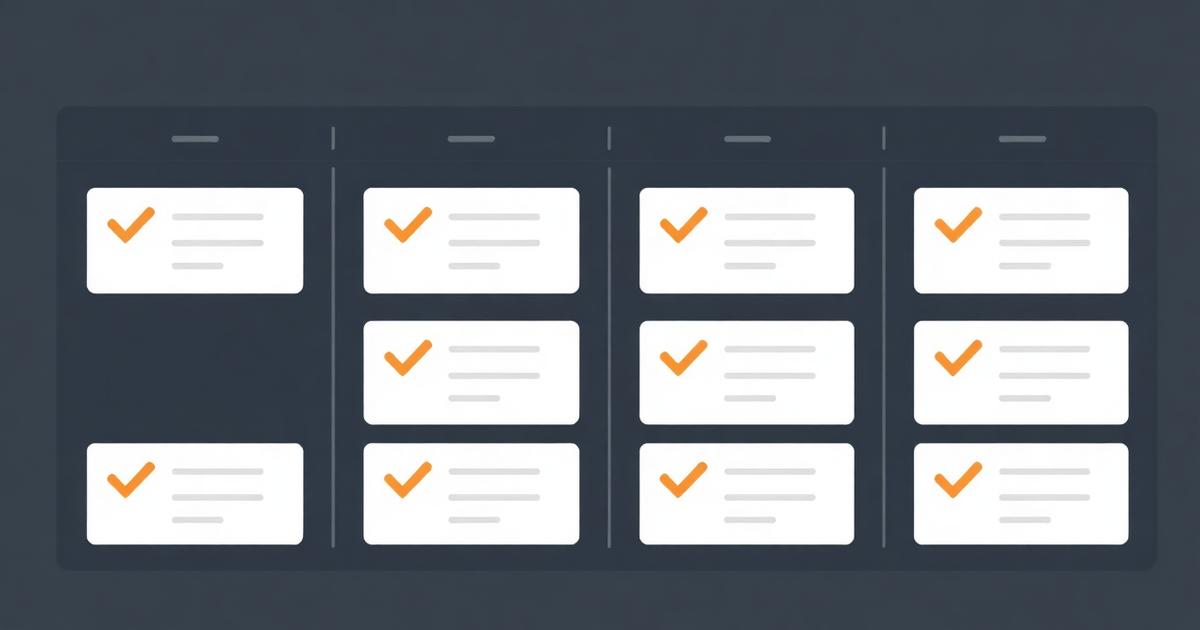
I still see teams treat a kanban board as a to-do list with extra steps, and then wonder why cards pile up in the middle column forever. What is a kanban board and how to use it properly comes down to two disciplines most teams skip: limiting how much work is in progress at once, and updating the board in real time rather than at a weekly meeting. Get those two things right and the board becomes an honest picture of your work. Skip them and it's decoration.
Quick answer
A kanban board is a visual system with columns for stages of work (To Do, In Progress, Done) and cards for individual tasks that move between columns as status changes. You use it by keeping columns few, capping how many cards can be "in progress" at once, and moving cards the moment work changes state rather than in a batch review.
The origin, briefly, because it explains the rules
Kanban comes from Toyota's manufacturing system, where a physical card ("kanban" is Japanese for signboard) signaled that a part needed replenishing. The insight that survived the move to software teams: visualize the work, limit how much is happening at once, and let the flow of cards tell you where the bottleneck actually is. Toyota's own account of the production system frames it as a pull system — work is pulled forward only when there's capacity, not pushed in because someone's calendar says Monday.
That "pull, not push" idea is the part software teams most often lose. A kanban board with no WIP limit is a push system wearing a kanban costume.
Kanban vs. a plain to-do list
A to-do list is one column: things you haven't done. A kanban board adds visible state — not started, in progress, blocked, done — and that visibility is the entire value. If you've never compared the two directly, to-do list vs task manager covers where a flat list stops being enough.
How to set up a kanban board that survives contact with real work
1. Pick three to six columns, not twelve
Start with To Do, In Progress, Done. Add a column only when you can name the specific delay it exposes — a Review column if approval waits pile up, a Blocked column if external dependencies stall work often enough to track separately. Every column beyond six usually means you're trying to encode a full process into a task board, and a process flowchart is the better tool for that.
2. Set a WIP limit before you add a single card
Pick a number — often "team size" or "team size plus one" — and cap the In Progress column at it. When the column is full, nobody starts new work; they help finish what's there. This single rule does more to expose real bottlenecks than any dashboard, because a column stuck at its limit for days is unambiguous evidence something upstream is broken.
3. Write cards as outcomes, not activities
"Send the Q3 proposal to Meridian" beats "Proposal work." A card should be closeable — you should be able to look at it and know exactly what's true when it moves to Done. Vague cards are why boards accumulate zombie cards that never quite finish.
4. Use swimlanes for the dimension that actually varies
If you serve multiple clients, a swimlane per client on one board often beats one board per client, because you can see total load across all of them at a glance. If priority varies more than client, lane by priority instead. Pick one dimension for lanes — two is usually one too many to read at speed.
5. Review the board, don't rebuild it
A short daily glance ("what's stuck in In Progress?") and a weekly look at flow (how long cards actually take end to end) beats a full weekly rebuild. If your team is remote, this is a natural fit for an async check-in — see how to prioritize tasks at work for the daily-triage version of this habit.
Kanban board vs. other views of the same work
| View | Best for | Weak point |
|---|---|---|
| Kanban board | Seeing status and flow at a glance across many tasks | Doesn't show dates well; a stalled card looks the same as a fresh one without extra fields |
| Gantt / timeline | Sequencing dependent work against calendar dates | Overkill for day-to-day task tracking; heavy to maintain for fast-moving lists |
| Flat to-do list | Solo work, short lists | No visibility into state beyond done/not done |
| Calendar view | Deadline-driven work like content or meetings | Hides work that isn't tied to a specific date |
None of these is universally right. Most teams I've worked with run kanban for weekly execution and a lightweight timeline for anything with a hard external deadline — see project timeline maker if that's your gap.
A worked example: a five-person agency's board
One agency I advise runs a single kanban board with five columns — Requested, Scoped, In Progress, Client Review, Done — and a WIP limit of 2 per person on In Progress. Swimlanes are by client. When a card sits in Client Review for more than three days, it gets a red flag automatically, which turns "waiting on the client" from a vague feeling into a visible, countable thing. Over one quarter, that visibility let them renegotiate two retainers because they could show, with dates, how much delay was client-side rather than agency-side.
That's the real payoff of a kanban board: it turns "things feel slow" into "here's exactly where they're slow," which is a very different conversation with a client or with leadership.
Common mistakes that quietly kill a board
- No WIP limit. The most common failure. Without it, In Progress becomes a parking lot.
- Cards that never get archived. A Done column with 400 cards in it stops being useful information and starts being scroll fatigue. Archive weekly.
- One giant board for everything. If a board tries to hold marketing, ops and client delivery at once, no single view is fast to read. Split by function, and if you need cross-project reporting, do that at a higher level than the board itself.
- Treating the board as the source of truth for deadlines. Kanban shows status, not urgency. Pair it with due dates on cards, not a mental model of "it's somewhere in the middle column so it's probably fine."
When a kanban board isn't enough
Kanban is a status view, not a planning tool. If your work has hard dependencies — task B genuinely cannot start until task A finishes and the client signs off — a board alone won't show you that risk until it's already late. That's when a team task tracker with deadlines or a timeline view earns its keep alongside the board, not instead of it.
It's also not a reporting tool for leadership. "How many projects are on track this month" is a query across projects, not a glance at one board. For that, you want task management software for small teams that keeps kanban as one view among several over the same underlying task data, which is the approach we take in all-in-one CRM and project management — the board, the deadline view and the client record share one dataset instead of three disconnected tools.
Research on visual work management consistently finds that surfacing bottlenecks matters more than any specific ceremony — see the Project Management Institute's guidance on agile practices for the broader context kanban sits inside. The tool is simple. The discipline of using it — WIP limits, real-time updates, honest columns — is what actually determines whether it helps.
Getting started this week
Pick one workflow, not your whole company. Three columns, one WIP limit, real cards written as outcomes. Run it for two weeks before you add a single extra column or automation. Boards that start complicated get abandoned; boards that start simple get column additions earned by real, observed pain — which is exactly how the column should be added.
Frequently asked questions
- What is a kanban board and how to use it in one sentence?
- A kanban board is a visual list of columns representing stages of work, with cards for each task that move left to right as work progresses; you use it by limiting how many cards sit in each column and updating a card's column the moment its status changes, not at the end of the day.
- How many columns should a kanban board have?
- Three to six. To Do, In Progress, Done covers most teams. Add a Review or Blocked column only if that stage genuinely causes delay you need to see. More columns than that usually means you're modeling a process, not tracking work — that's a job for a flowchart, not a kanban board.
- What's a WIP limit and why does it matter?
- A work-in-progress limit caps how many cards can sit in a column at once, usually In Progress. It matters because a board without a limit lets everyone start ten things and finish none, which feels productive and isn't. A limit of one to two cards per person is a reasonable default.
- Is kanban the same as Scrum?
- No. Scrum works in fixed-length sprints with planning and review ceremonies; kanban is continuous flow with no fixed iteration. Many small teams run a hybrid: a kanban board reviewed weekly, without the full Scrum ceremony set. Kanban is lighter-weight and easier for client-services teams to sustain.
- Can a kanban board replace a full project management tool?
- For a single, self-contained workflow, yes. For multi-project client work with deadlines, dependencies and reporting across projects, you'll want a board layered on top of a proper task and project system, not a lone board as your whole operation.
About the author
Claire Bennett writes for EvronStudio on task management for small B2B teams. Meet the editorial team.
Part of our guide to Task Management Software for Small Teams: A No-Bloat Guide.
Keep reading
Running Client Work on a Kanban Board (Setup + Template)
How to set up a kanban board for client work that scales past a handful of clients, with a column template and common failure points.
Task ManagementTask Delegation Software: Assign, Track, Actually Follow Up
Task delegation software should make follow-up automatic, not just track who a task is assigned to. Here's what to look for and how to compare.
Task ManagementTo-Do List vs Task Manager: When a List Stops Being Enough
To-do list vs task manager: what actually separates them, and the signs your team has outgrown a simple checklist app.