
Trello Alternatives With a CRM Built In

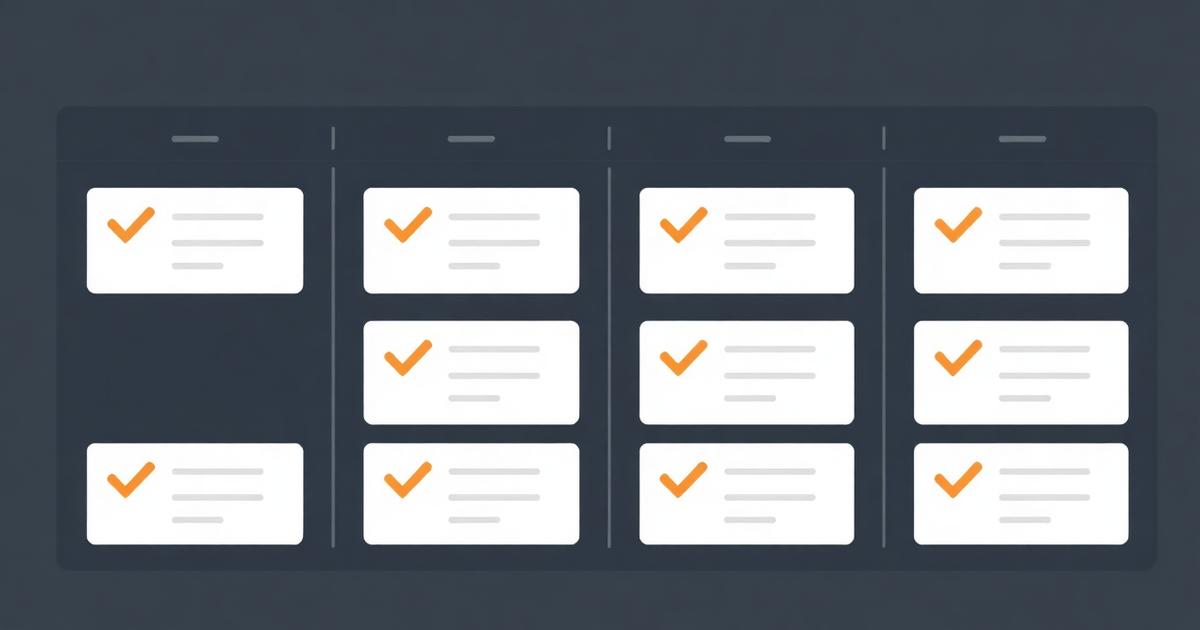
Trello is one of the best pure kanban tools ever built, and I still recommend it for teams whose work really is just cards moving across columns. But if you're specifically searching for a trello alternative with crm, you've already hit the wall Trello wasn't built to solve: a card that doesn't know which client it belongs to, what that client is worth, or what happened on the last call. This article compares the realistic paths for combining a board with real client data.
Quick answer
A Trello alternative with CRM built in gives each card a real link to a client or deal record, not just a label. HubSpot's free CRM has a genuinely Trello-like deal board, Monday and ClickUp offer CRM-flavored board types as add-ons, and EvronStudio treats the card, the client and the project as one connected record by default.
The gap Trello was never trying to fill
Trello's model is a card with a title, a description, checklists and labels. It's deliberately generic, which is why it works for recipes, editorial calendars and sprint boards equally well. That generality is also the ceiling: a card has no concept of "this is Acme Corp, worth $24,000 a year, renewal in March." You can fake it with a label or a custom field, but the moment you want to filter "all cards for clients renewing this quarter," you're back to manually scanning boards.
Trello's own Power-Ups marketplace lists dozens of CRM connectors precisely because this gap is common enough to be a business. Power-Ups genuinely help, but they add a field, not a relationship. The card still doesn't know the client is the same client referenced on last quarter's invoice.
What "CRM built in" should actually mean
Before comparing tools, define the test. A board has a CRM built in if you can answer these three questions without leaving the board:
- What is this client worth, and what stage is their relationship at?
- What tasks are open for them right now, across every project?
- What did we agree to in the last conversation, and where's that note?
Most "Trello alternative with CRM" tools pass question 1 and fail 2 and 3, because pipeline stage is the easy part to bolt on. Task history and notes require the board and the CRM to share a data model, not just a label field.
Comparison table
| Tool | CRM depth | Board feel | Where it fits |
|---|---|---|---|
| Trello + Power-Up/Zapier | Field-level sync only | Native Trello, unchanged | Teams happy with Trello who need a light pipeline view added |
| HubSpot free CRM | Full CRM, native deal board | Genuinely Trello-like for deals | Sales-stage tracking; weaker for post-sale delivery boards |
| Monday.com Sales CRM | Full CRM, separate product | Monday's board style, different module | Teams already invested in Monday's ecosystem |
| ClickUp CRM template | Custom fields on a list/board | ClickUp's flexible views | Teams willing to build and maintain their own structure |
| EvronStudio | Full CRM, same schema as boards/tasks | Kanban and list views, same client record | B2B teams wanting one system for pipeline and delivery |
HubSpot: the closest thing to Trello with real CRM behind it
If your primary need is a sales pipeline board, HubSpot's free CRM genuinely delivers a Trello-like deal board with contact and company data attached to each card, at no cost for the core tier. It's an honest recommendation for solo salespeople and small teams whose main workflow is moving deals through stages. Where it gets thinner is post-sale: once a deal closes and becomes delivery work, HubSpot's task tooling isn't built for the kind of ongoing project board a delivery team runs day to day, and you often end up buying HubSpot's paid tiers or a separate tool for that half. I compare this trade-off directly in HubSpot alternatives for small business.
Monday and ClickUp: CRM as an add-on module
Monday's Sales CRM and ClickUp's CRM templates both work, and both are reasonable choices if you're already committed to that ecosystem for other reasons. The honest caveat: in both cases the CRM is a separate board type or product tier, configured independently from your task boards. You get one login, but you're still maintaining two structures that happen to live in the same app. It's less sprawl than two separate SaaS tools, but it's not the same as one shared record.
EvronStudio: the card is the client's task, not a copy of it
EvronStudio's boards are kanban and list views over the same tasks and projects that sit on a client record. Moving a card to "Done" updates the same row you'd see in the client's activity timeline — there's no sync, because there's one table. That matters most for delivery teams: onboarding, renewal-prep and recurring client work where the task board and the client relationship are genuinely the same story. See CRM with task management for the schema-level detail, and kanban board for client work for board setup patterns specifically.
Fair caveat: if your primary need is a public-facing marketing pipeline with heavy email sequencing and lead scoring, a dedicated CRM like HubSpot's paid tiers will out-feature EvronStudio on marketing automation. EvronStudio's CRM is built for client delivery relationships, not top-of-funnel lead nurturing at volume.
The migration path that avoids a mess
Step 1: map your actual data, not your columns
Before building any board, write down: what is a client, what is a deal, what is a project, what is a task. In Trello these all get flattened into "card." In a CRM-backed board they're distinct records that relate to each other. Getting this mapping right up front saves a rebuild in month two.
Step 2: migrate clients and deals before tasks
Bring across company and contact records first. Tasks and cards without a client to attach to are just orphaned busywork in the new system.
Step 3: rebuild your board views, don't import them literally
A Trello board's column names ("To Do," "Doing," "Done") often don't map cleanly onto a CRM-backed pipeline's stages ("Prospecting," "Proposal Sent," "Won"). Decide fresh rather than forcing an old structure onto new data.
Step 4: pilot with one client relationship for a week
Run one real client through the new board end to end — new task, status change, a note added — before migrating everyone. It surfaces gaps in five minutes that a spec review misses.
What this actually saves a small team
On a recent nine-person consultancy engagement, the team ran Trello for delivery tasks and a spreadsheet as their "CRM." Reconciling the two before a client check-in call took roughly 20 minutes per client, every week — nearly seven hours a month across their client roster, for information that should have taken one click. Moving to a board where the card and the client record are the same thing didn't just save the licence cost of a second tool; it removed a weekly task nobody enjoyed and everybody dreaded during busy weeks. The broader math on this kind of consolidation is in all-in-one CRM and project management.
If your team's real pain is "our board doesn't know who our clients are," don't add a Power-Up. Move to a tool where that's not a gap to fill in the first place.
Frequently asked questions
- Why do people search for a Trello alternative with a CRM?
- Because Trello cards are generic. Nothing on a card knows it belongs to a client with a deal history, a contract value or an open invoice. Teams that run client work hit this ceiling once they need to answer 'what's the status of everything for this client' in one place.
- Can Trello work with a separate CRM instead of switching entirely?
- Yes, via Zapier or native Power-Ups, and it works fine for basic status syncs. It breaks down when you need bidirectional detail — a lost deal reason, a renewal date — visible on the board itself, because syncs move fields, not full context.
- Is HubSpot's board view a good Trello replacement?
- For sales pipeline boards specifically, yes — HubSpot's free CRM includes a kanban deal board that's genuinely Trello-like. It's weaker as a general task board for delivery work once a deal closes, which is a different board type inside HubSpot's paid tiers.
- What does EvronStudio do differently from Trello plus a CRM?
- A card on an EvronStudio board can represent a task, and that task sits on a project which sits on a client record. There's no sync step between 'card moved to Done' and the client's activity history, because it's one database rather than two connected apps.
- Is a kanban board with a CRM slower to set up than plain Trello?
- Slightly, because you're deciding a data model, not just column names. Budget an extra hour for mapping clients, deals and projects before you start building boards, and it pays back the first time you need a cross-client report.
About the author
Claire Bennett writes for EvronStudio on task management for small B2B teams. Meet the editorial team.
Part of our guide to Task Management Software for Small Teams: A No-Bloat Guide.
Keep reading
Running Client Work on a Kanban Board (Setup + Template)
How to set up a kanban board for client work that scales past a handful of clients, with a column template and common failure points.
Task ManagementTask Delegation Software: Assign, Track, Actually Follow Up
Task delegation software should make follow-up automatic, not just track who a task is assigned to. Here's what to look for and how to compare.
Task ManagementTo-Do List vs Task Manager: When a List Stops Being Enough
To-do list vs task manager: what actually separates them, and the signs your team has outgrown a simple checklist app.