
Daily Task Planning for Teams: Rituals + Tools

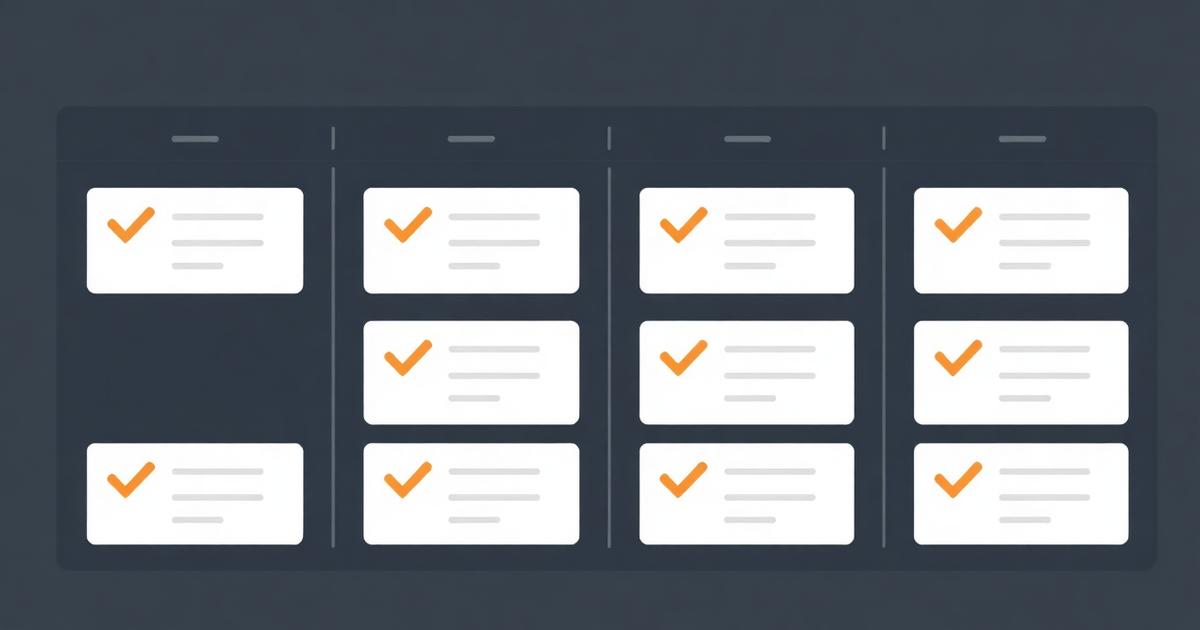
Most teams don't fail at daily planning because they lack a tool. They fail because "planning" quietly turns into a status meeting where everyone narrates what they did yesterday, and nobody actually decides what today looks like. A daily task planner for teams needs both parts working: a view that shows what's due, and a short ritual that uses it to actually set the day's priorities.
Quick answer
A daily task planner for teams combines a filtered "due today" view of shared tasks with a short daily check-in, ideally 10-15 minutes, where the team confirms priorities and surfaces blockers. The tool matters less than the discipline of updating task status in real time so the daily view stays accurate.
Why daily planning collapses into status theater
The classic failure mode: a stand-up where each person says "yesterday I did X, today I'll do Y, no blockers," and everyone tunes out because it's the same script every day and nothing actually gets decided. That's not planning, it's a ritual that survived past its usefulness. Real daily planning changes something — it reprioritizes, it surfaces a blocker someone needed help with, or it catches that two people are duplicating work. If your daily check-in never changes anyone's day, it's worth cutting or redesigning.
Building the "due today" view
Every task tool worth using can filter by due date and group by assignee. Set this up once as a saved view so nobody manually compiles "what's due today" from memory or a scroll through a long board. This single view removes the most common excuse for skipping planning — "I didn't have time to check everything" — because checking everything takes ten seconds. I walk through view setup in more depth in team task tracker with deadlines.
Live stand-up vs async check-in
| Format | Best for | Time cost | Common failure |
|---|---|---|---|
| Live daily stand-up | Co-located or overlapping-hours teams | 10-15 min synchronous | Turns into problem-solving and runs long |
| Async written check-in | Distributed, multi-timezone teams | 5 min to write, flexible to read | Becomes a status log nobody reads |
| Dashboard-only, no ritual | Very small or highly autonomous teams | Near zero | Nobody actually looks unless something's on fire |
| Hybrid: async + weekly live | Teams that want both accountability and connection | Low daily, moderate weekly | Requires discipline to keep both going |
None of these is universally right. A five-person co-located team benefits from the live version because it builds context fast. A fifteen-person team spread across three time zones will burn goodwill trying to force a synchronous meeting that's 6am for someone.
Running the ritual well
Keep three questions at the center: what's due today, what's blocked, what changed since yesterday. Anything beyond that — actual problem-solving, design debate, client strategy — gets parked for a separate conversation with just the people who need to be there. This is the single biggest lever for keeping a daily check-in under 15 minutes; without a parking-lot habit, one interesting tangent eats the whole meeting.
Handling re-prioritization honestly
New urgent work always arrives mid-plan. The mistake is adding it to someone's day without acknowledging what gets pushed. "This client issue is now top priority" is an incomplete sentence — finish it with "which means the report due Thursday moves to Friday." Skipping that second half is how teams end up with everyone quietly overcommitted and nobody feeling able to say so. This connects directly to prioritization frameworks — see how to prioritize tasks at work for the Eisenhower and MoSCoW approaches that make this trade-off explicit rather than implicit.
Recurring tasks and the daily view
A large share of what shows up in daily planning is recurring — weekly reports, monthly invoicing, routine check-ins. If these are manually recreated each cycle, they either get forgotten or clutter the daily view with duplicate-looking entries. Setting these up as true recurring tasks, covered in recurring tasks software, keeps the daily view clean and trustworthy, which matters because a daily planning ritual only works if people believe the list is accurate.
Where EvronStudio fits
EvronStudio's board and list views support due-today filtering and assignee grouping out of the box, and because tasks live on the same record as the client or project, the daily view can show "what's due today across all my active clients" without needing a separate reporting tool. For teams running client work specifically, this beats a generic task app where daily planning and client status are two disconnected views. If your team is exploring board layouts for this, what is a kanban board and how to use it is a good primer, and all-in-one CRM and project management covers the broader case for keeping planning and client data together.
Harvard Business Review's research on team rituals has consistently found that short, consistent check-ins outperform longer, infrequent planning sessions for maintaining team alignment — frequency beats depth for this particular kind of coordination work. The Bureau of Labor Statistics time-use surveys also show meetings are one of the largest uncounted time costs in knowledge work, which is exactly why a 10-minute daily ritual that actually changes decisions is worth protecting, and a 45-minute one that doesn't is worth cutting.
Build the view once, keep the ritual short, and daily planning stops being theater and starts being the thing that actually catches problems before they become a Friday-afternoon fire drill.
Frequently asked questions
- What is a daily task planner for teams?
- It's a recurring practice, usually a short daily view or stand-up, where the team confirms what's due today, what's blocked, and what shifted priority overnight. The tool is secondary; the habit of checking it daily is what makes planning actually work.
- How long should daily planning take?
- For a team of five to ten, 10-15 minutes is enough if everyone comes with their own list already reviewed. Longer than that usually means the meeting has turned into problem-solving, which deserves its own separate conversation.
- Should daily planning be a meeting or async?
- Both work. Co-located or overlapping-hours teams often do a short live stand-up. Distributed teams across time zones do better with an async written check-in, since a synchronous meeting either excludes half the team or happens at an inconvenient hour for someone.
- What's the biggest reason daily planning fails?
- The task list isn't trustworthy. If people don't update task status in real time, the daily view shows yesterday's picture, and the team stops relying on it, defaulting back to asking each other directly. Fixing the update habit fixes the planning ritual.
- Do I need special software for daily task planning?
- No, but a tool with a 'due today' filter or dashboard view removes the manual work of assembling that list each morning. Any task manager with filtering and assignee grouping handles this; you don't need a dedicated daily-planner app.
About the author
Claire Bennett writes for EvronStudio on task management for small B2B teams. Meet the editorial team.
Part of our guide to Task Management Software for Small Teams: A No-Bloat Guide.
Keep reading
Running Client Work on a Kanban Board (Setup + Template)
How to set up a kanban board for client work that scales past a handful of clients, with a column template and common failure points.
Task ManagementTask Delegation Software: Assign, Track, Actually Follow Up
Task delegation software should make follow-up automatic, not just track who a task is assigned to. Here's what to look for and how to compare.
Task ManagementTo-Do List vs Task Manager: When a List Stops Being Enough
To-do list vs task manager: what actually separates them, and the signs your team has outgrown a simple checklist app.